WatchGuard Mobile VPN for Secure Remote Work
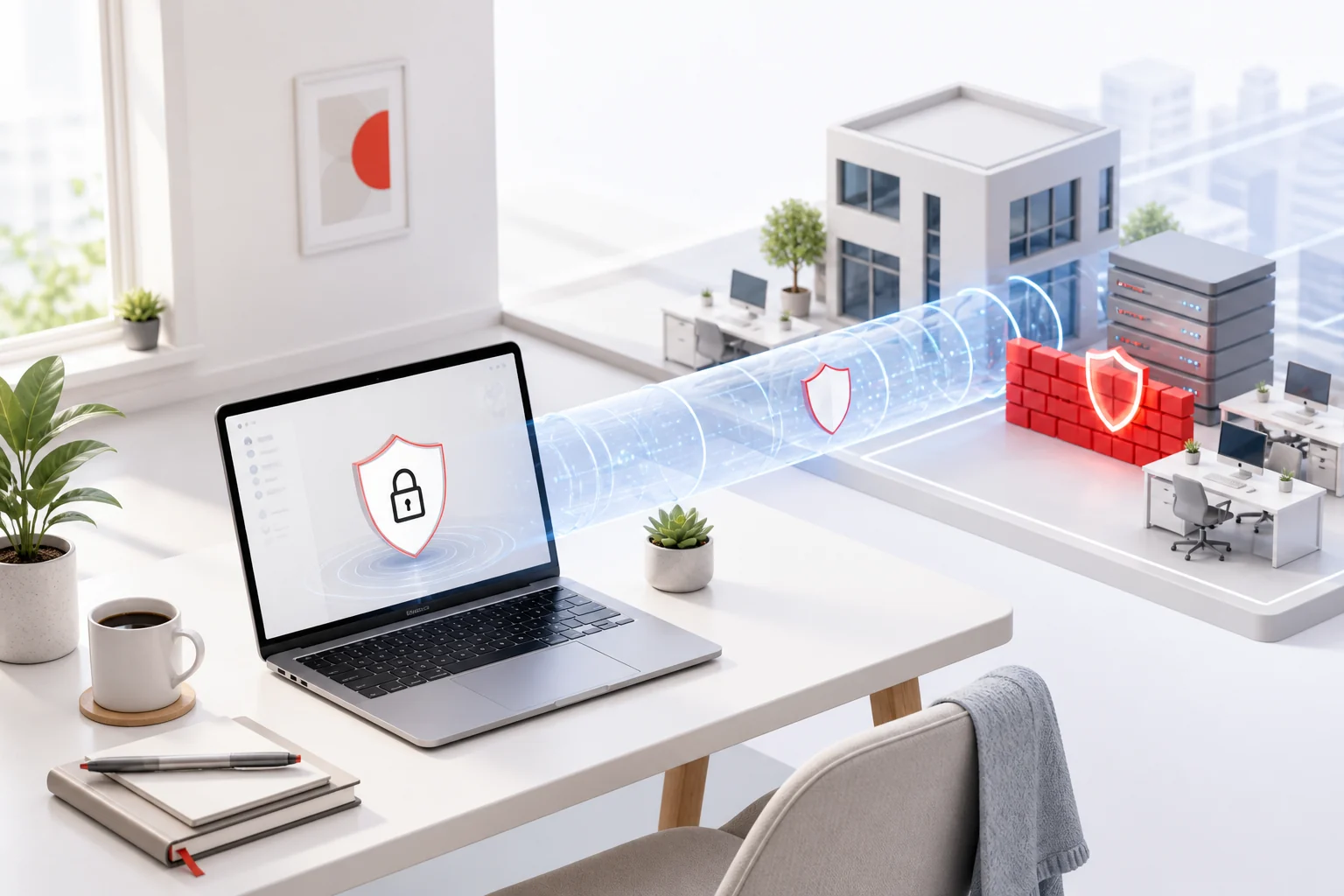
Remote work moves business activity beyond the office boundary. A WatchGuard Mobile VPN session creates an encrypted route to approved resources, but the safety of that route still depends on the person, endpoint, identity system, Firebox policy, and network around it. Treating the tunnel as one control in a layered service produces more reliable protection than assuming that “connected” means “safe.”
Start with a trusted work environment
Use a managed computer intended for company work. Keep its operating system, browser, endpoint protection, and business applications current. Disk encryption and automatic screen locking reduce exposure if the device is lost. Family members and guests should never share the work profile, and administrator privileges should be reserved for tasks that genuinely require them.
Home routers also need attention: replace default credentials, install firmware updates, use modern Wi-Fi encryption, and disable unnecessary remote administration. On public Wi-Fi, verify the network name and avoid security warnings. A VPN protects routed traffic after connection; it does not make a malicious access point harmless before authentication begins.
Protect identity before the tunnel opens
Use an individual account and a unique password stored in an approved password manager. Multi-factor authentication reduces the usefulness of a stolen password, but only if people reject prompts they did not initiate. An unexpected approval request may signal an attack and should be reported through the organization’s incident process.
Organizations should connect VPN eligibility to managed groups and a documented lifecycle. New access requires approval, role changes remove old privileges, temporary access expires, and departures trigger prompt revocation. Strong authentication and narrow authorization solve different problems, so both are necessary.
Understand what travels through the connection
Full-tunnel and split-tunnel designs route traffic differently. Users should follow the local design instead of attempting to change it. Internal DNS, application dependencies, and security inspection can all depend on the assigned route. The overview of WatchGuard Mobile VPN with SSL explains how client and Firebox responsibilities fit together.
Reach only resources needed for current work. Do not copy sensitive files to personal cloud accounts, printers, or removable media unless policy explicitly allows it. Disconnect when the protected session is no longer required, especially on shared or temporary networks.
Create repeatable daily habits
Before connecting, confirm ordinary Internet access, the expected gateway name, and the official sign-in method. After connecting, check the client state and open only the approved service required for the task. When changing networks or waking a laptop, verify the connection again instead of assuming the old session survived.
If something fails, record the time, location, network type, client state, exact message, and affected application. Do not disable the firewall, antivirus, certificate validation, or MFA to “test” a theory. A structured report lets support correlate the event with authentication and Firebox logs without weakening the endpoint.
Prepare for incidents and outages
Every remote worker should know how to report a lost device, suspicious login, repeated MFA prompt, or possible data exposure. The contact path must work even when the VPN is unavailable. Support teams need severity rules and a method to invalidate accounts or sessions quickly.
Availability planning matters too. Capacity, address pools, certificates, authentication dependencies, DNS, and upstream Internet links should be monitored. Tested changes, rollback plans, and clear status messages prevent a technical fault from turning into unsafe improvisation.
Review the whole service
Useful measures include connection success, repeated failures, support volume, inactive accounts, expired temporary access, and policy exceptions. Review aggregated trends rather than collecting data without purpose. Combine those findings with endpoint compliance and incident lessons.
Secure remote work is a maintained process. When trusted devices, strong identity, limited policy, safe user habits, and responsive support surround WatchGuard Mobile VPN, the encrypted tunnel becomes a dependable part of business operations rather than a single point of assumed trust.